
We offer facilitated Minecraft Build and Share Sessions
Wish you could come to an Appeer in person Group or do you prefer to connect Online? Look no further! You can join us Online from ANYWHERE!
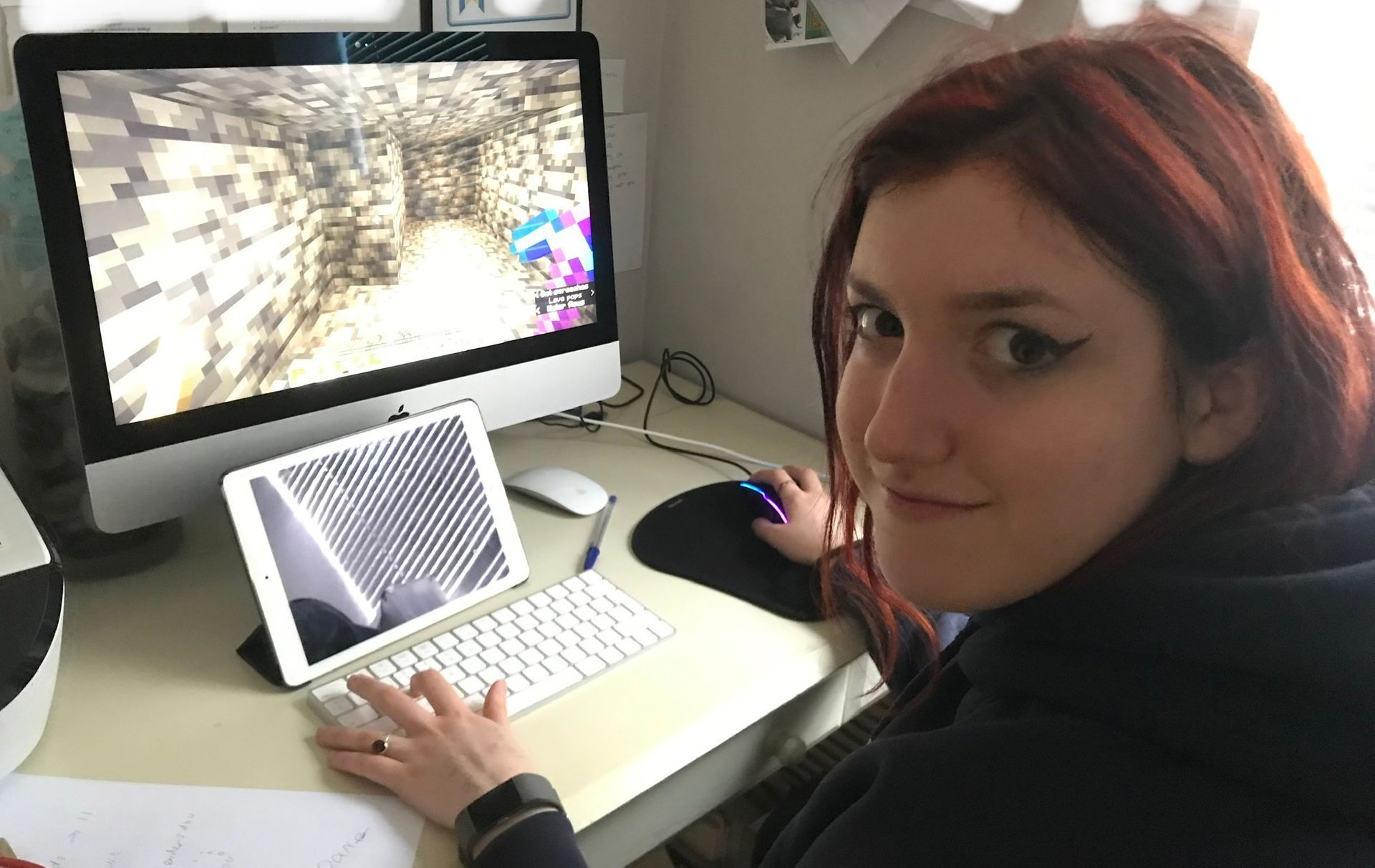
Nicki our Social Interest Manager leads Minecraft Build and Share Sessions, alongside Caitlin and Grace our Youth Facilitators. There are separates Session for Girls and Teens.
Who are the Sessions for?
Our online sessions offer a valuable chance for autistic girls and teens to connect with their peers over a shared interest.
What is the aim of the Sessions?
We aim for the Sessions to enable the participants to:
- Share positive social interactions in a pressure-free, supportive setting or to work alone if desired
- Take part in a collaborative session, to share tips and build together or simply play alongside each other
- Join a cohort which often remains similar in each session
- Benefit from a hidden curriculum promoting SEMH and wellbeing
What will happen in each Session and how long will it be?
The Session will start with a welcome. Nicki will share group guidelines and the build challenge for the session, e.g. “Can you build an aquarium?” with examples. The girls can then get started on their builds, with Nicki and Caitlin providing support, tips and encouragement around their builds and facilitating conversation around shared interests to support connections. The Session often includes a short autism related activity (optional) at the end. The Session will last approximately 75 minutes and is supported by Nicki our Social Interest Manager.
Where will the Sessions be held?
The Sessions all take place on Teams. You will be sent a link before the Session so you can join.
When will the Sessions be held?
Minecraft Sessions take place on monthly Wednesdays from 5pm. For the times and dates of upcoming Sessions please see our Sessions available to book page here or look at our Term Dates page.
The Sessions will last approximately 75 minutes and are supported by Nicki and Caitlin.
What is the ticket price?
Please see our fees page.
How do I book?
Bookings can be made via logging into your Coacha app. If you access your account via your phone app, you will not be able to view events over 30 days in advance. You can book events over 30 days in advance by logging on via a laptop / PC or tablet.
Click below to find out more about more of our Online Sessions: